Creating a Server at UpCloud
This section walks you through creating a virtual machine (VM) at UpCloud, which you'll use as your VPN server.
Step 1: Sign In
- Go to UpCloud Hub
- Sign in — we use a shared account, so everyone logs in with the same credentials if needed

Step 2: Dashboard
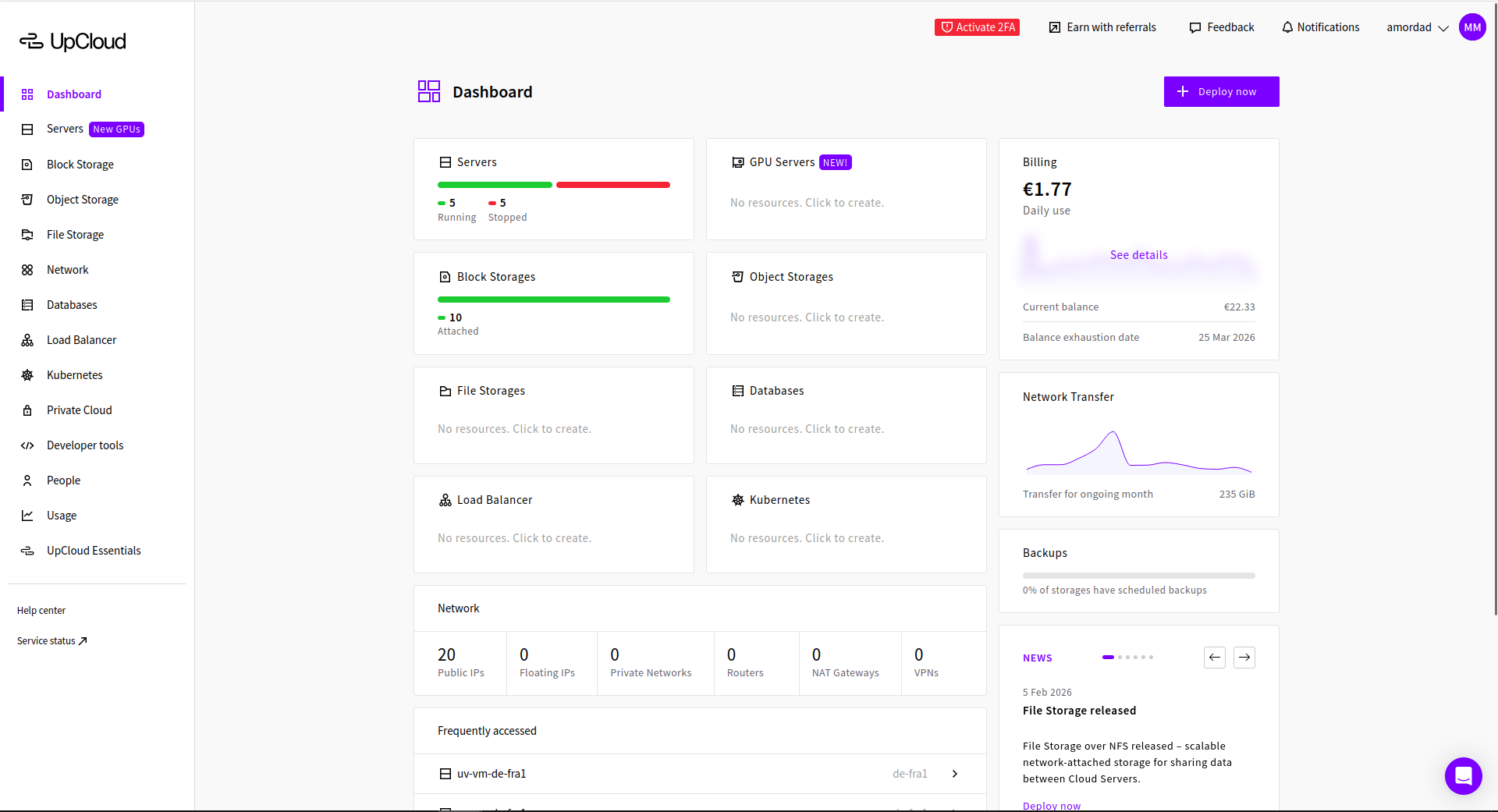
From the dashboard, click on Servers tab, to deploy a new server.
Step 3: Deploy Server
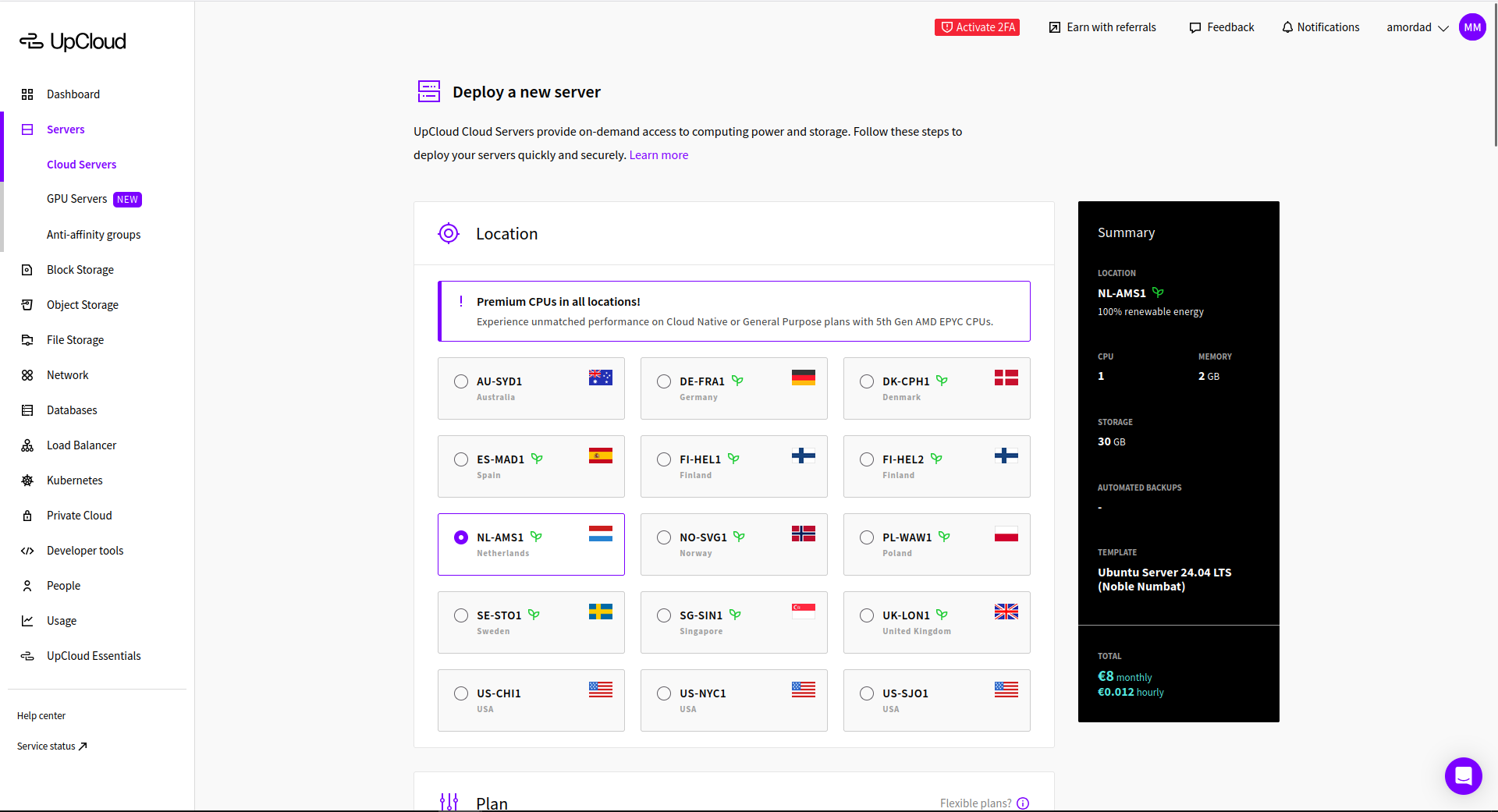
- Click +Deploy Now (Or Deploy Server)
- Location — Pick anything
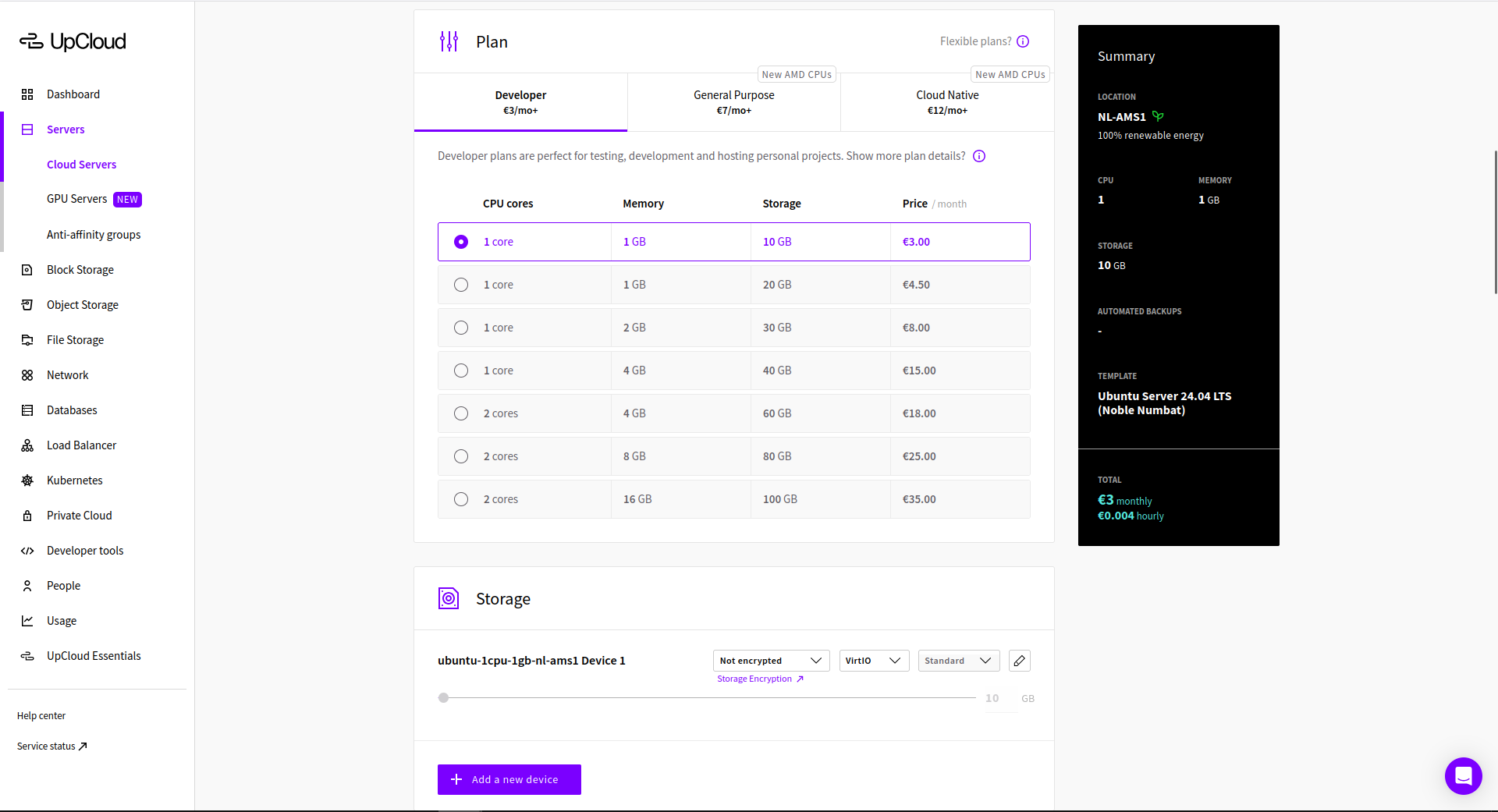
- Plan — Choose the cheapest available
- Storage — Leave as it is
- Automated backups — Leave as it is
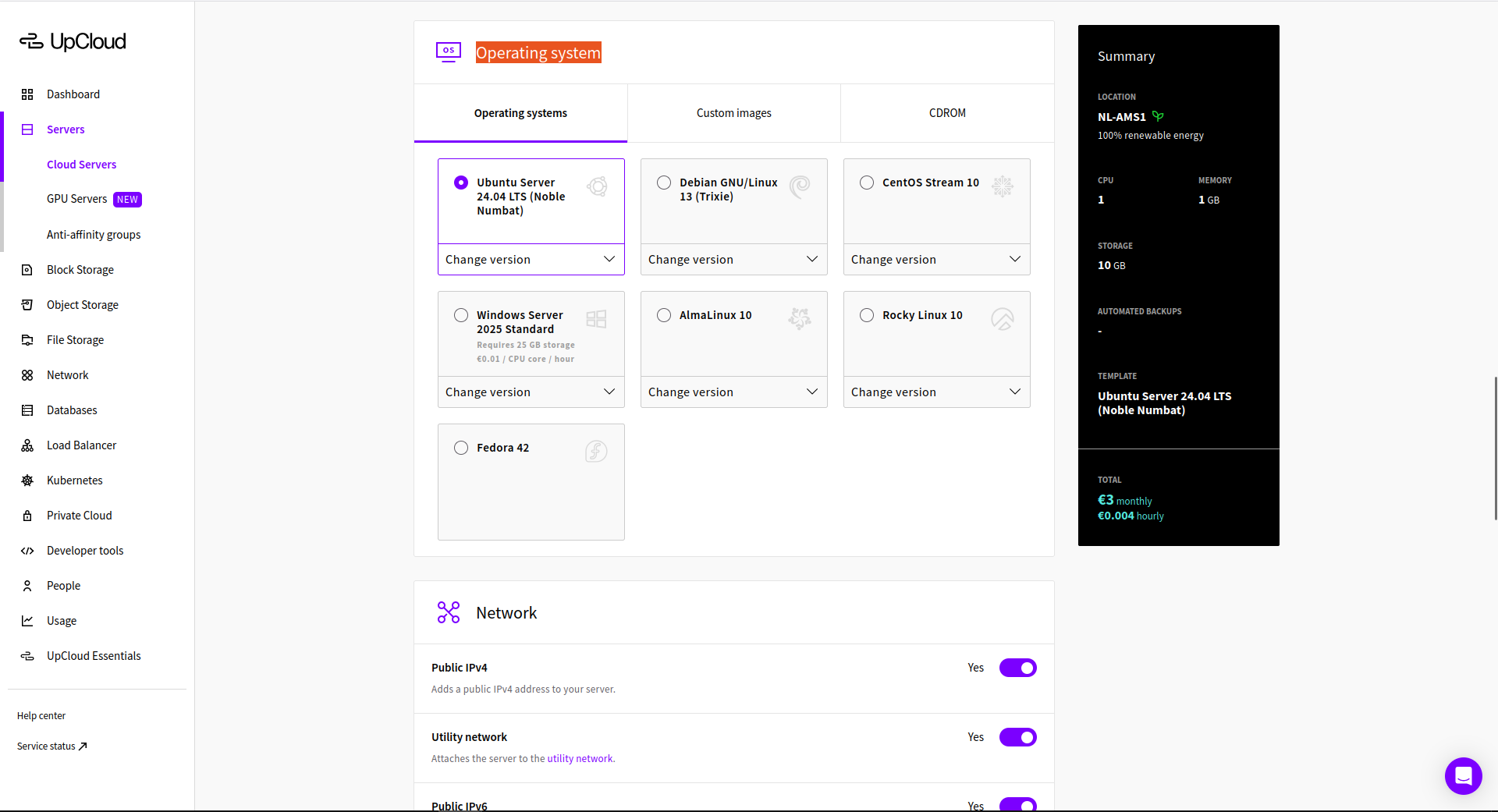
- Operating system — Ubuntu Server 24
- Network — Leave as it is
- Optionals — Leave as it is
- The rest — Leave as it is
- Click Deploy and wait a few minutes

Step 4: Get Your Server Details
After deployment (usually a few minutes):
- Go to Servers in the sidebar
- Click your new server
- Note the Public IP address (e.g.
94.237.30.66) - Default user is root
Step 5: Connect
You're ready to connect. See Connecting to Your Server for the next steps.